Closet sliding doors in Aurora: measure, pick and order from your phone
Short answer: Take the old doors off, measure the bare opening at the top, middle and bottom and on both sides, and type the smallest numbers into the Buildr app while you're standing at the closet. Pick panel or mirror, the colour, the number of panels and the height, and the app shows the exact price and your ready date before you pay. Older Aurora homes need more careful measuring than newer ones.
Aurora's old town sits around Yonge and Wellington, with century homes and post-war houses on the streets nearby. Aurora Heights and Aurora Highlands have homes from the 1960s to the 1980s. Hills of St. Andrew has larger homes on bigger lots. Bayview Wellington, Aurora Grove and the subdivisions east of Bayview are newer, with detached homes and townhouses.
Most closet door jobs here are one of two things. Replacing worn bifolds or old mirror sliders in an older home. Or swapping builder doors in a newer one. Once the measuring is done, ordering takes a few minutes.
What Aurora closets look like
Older homes near Yonge and Wellington. Smaller bedrooms and closets. Openings may have been reframed during renovations, and floors may have changed height. Measure in more places.
Aurora Heights and Aurora Highlands. Bungalows, backsplits and two-storeys with bifolds or mirror sliders that have been there for decades. Bottom tracks are often loose.
Hills of St. Andrew. Larger homes with long main-bedroom closets and walk-ins. Wide openings benefit from more panels. Our Richmond Hill closet sliding doors post covers wide closets in detail.
Bayview Wellington, Aurora Grove and newer subdivisions. Square openings. Some homes have taller main-floor ceilings, so measure the front hall separately.
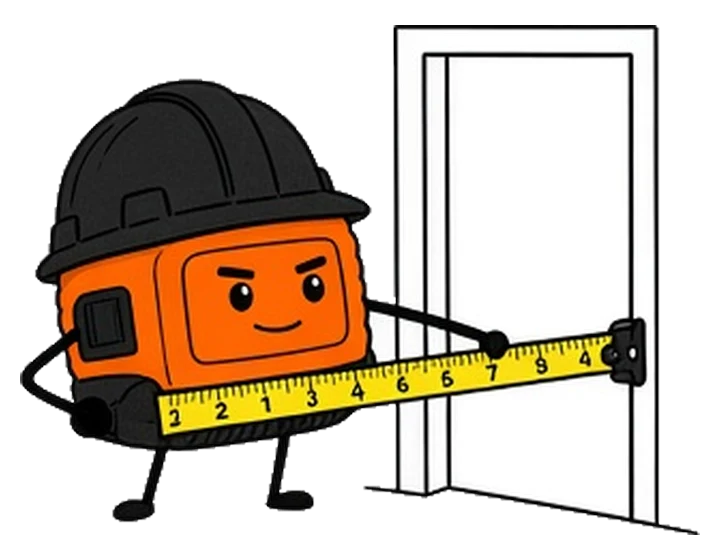
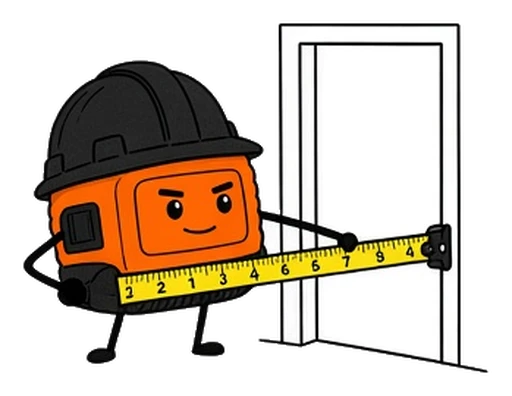
How to measure
Remove the old doors, the top track, the bottom guide or pivots, and any trim from the old hardware.
- Width at the top, middle and bottom.
- Height on the left and right, from the finished floor to the underside of the header.
- Use the smallest width and smallest height.
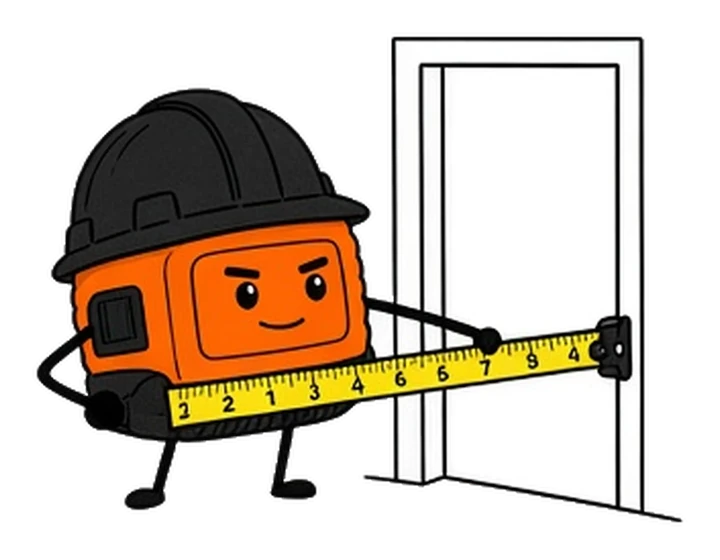
If the numbers differ a lot, have your installer look at the opening before you order.
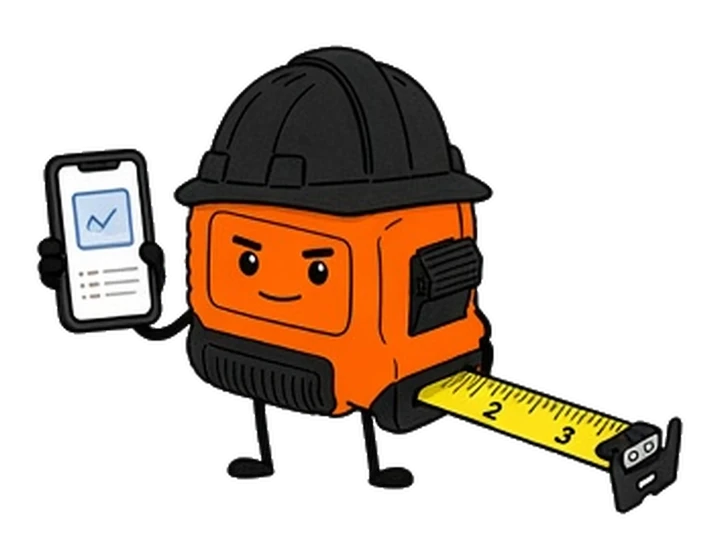
Ordering in the app, step by step
You can do this standing at the closet with the tape still out.
- Open the Buildr app on iPhone or Android.
- Choose panel or mirror.
- Choose the colour. White or Black for panel and framed mirror. Silver for frameless mirror.
- Choose the number of panels. Buildr doors come in 2 to 5.
- Choose the height. 83" or 98.5", and framed mirror also comes in 110.5".
- Enter your width and height.
- Check the price and the ready date. Both show on screen before you pay.
Our post on ordering closet sliding doors from the job site has more on how the app works.
Panel or mirror
- Main bedroom. Mirror suits most. It doubles as a full-length mirror.
- Kids' rooms. Either. Every Buildr mirror door has an anti-shatter backing that holds the glass together if it breaks.
- Front hall. Panel. Aurora winters mean wet boots and heavy coats.
- Basement. Panel.
Buildr mirror is clear glass. Framed mirror comes in White or Black. Frameless mirror comes in Silver.
Heights and number of panels
Most older Aurora closets take 83". Some newer homes have taller openings, and a door close to the full height looks better than one with a filler strip above it.
Two panels suit a standard bedroom closet. Three or four suit a long closet. Four or five suit a wide walk-in opening.
Pickup from Aurora
Pickup is in the GTA, so from Aurora it's a drive south. Doors are ready for pickup within 2 business days after payment, and the app shows your ready date before you pay. Panels come at full door height. Bring a van or a pickup truck, or have your installer collect them.
Every order is a complete kit, with door panels, top track, bottom track and fascia built to the size you entered. The complete kit post lists it.
The trade-offs
A slider only opens one section at a time. If you're replacing a bifold, you'll notice.
Buildr doesn't install. You hang the doors yourself or hire your own installer.
Our take
In Aurora, the hard part is measuring an older opening properly. The ordering takes a few minutes. Measure the bare opening, use the smallest numbers, and check the price on screen before you pay.
Just north? See Newmarket closet sliding doors.
FAQ
Can I order closet sliding doors from my phone in Aurora?
Yes. Measure the opening, open the Buildr app, choose the options and enter your width and height. The exact price and the ready date show before you pay.
Can I replace bifold doors with sliding doors in an older Aurora home?
Usually, yes, without changing the walls. Remove the bifold and its hardware, measure the bare opening in several places, and order to the smallest numbers.
What height closet doors do Aurora homes need?
Buildr doors come in 83" and 98.5" heights, and framed mirror also comes in 110.5". Most older closets take 83". Measure the finished opening.
Are mirror closet doors safe?
Every Buildr mirror door has an anti-shatter backing that holds the glass together if it breaks. The mirror is clear glass.
Do you install closet doors in Aurora?
No. Buildr makes the doors to your measurements and you pick them up in the GTA. You can hang them yourself or hire your own installer.
Do homeowners pay more than contractors?
No. Homeowners and trade pay the same price in the Buildr app.
Price your Aurora closet doors in the Buildr app
Measure first, then open the Buildr app on iPhone or Google Play. Choose panel or mirror, the colour, the number of panels and the height, and enter your width and height. The exact price shows on screen before you pay. Doors are ready for pickup within 2 business days after payment. The app shows your ready date before you pay, and you pick the doors up in the GTA.
Looking for the wider area? See closet sliding doors in Toronto and the GTA or our Ontario page. Not sure what suits your closet? Call, text or email us with a photo and we'll tell you what we'd do.